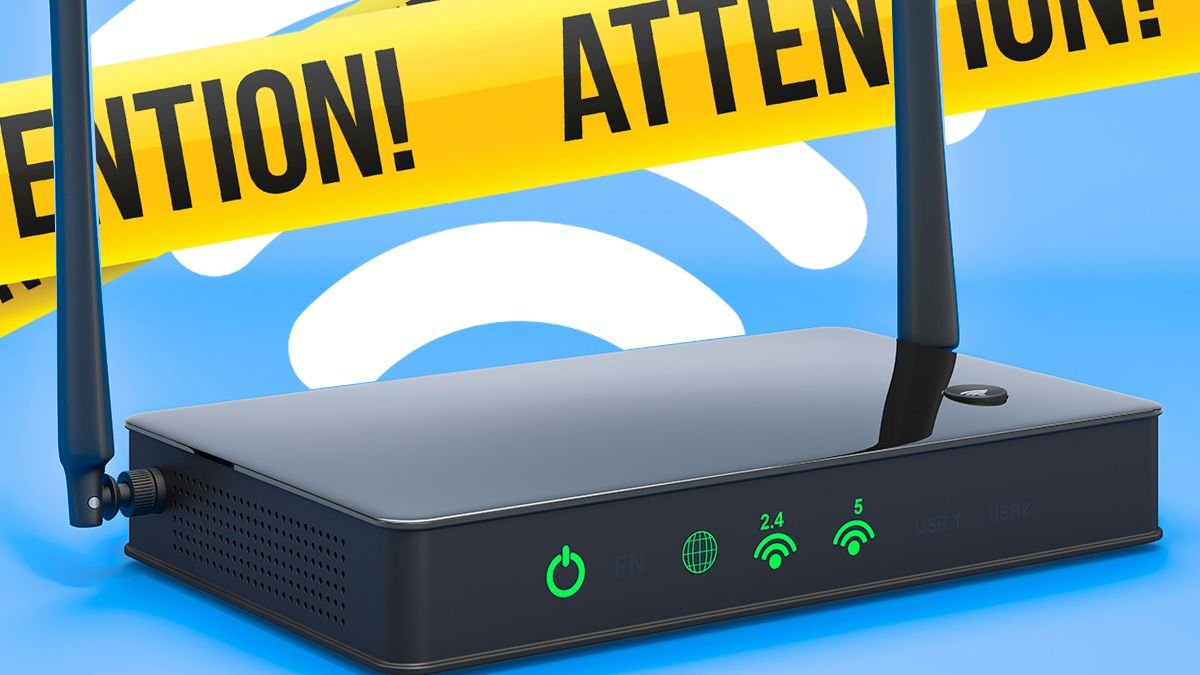


Slow broadband speeds can be frustrating, but there are simple solutions to boost your internet performance quickly. You don’t need a technician—just a few minutes of your time. While common advice like placing your router correctly is important, one of the most effective fixes is a simple restart.
Turn off your router, leave it unplugged for at least 30 seconds, and then power it back on. This quick action can clear temporary issues and restore speed. Broadband Genie experts echo this sentiment, emphasizing the importance of routine router reboots.
After restarting, give your connection time to stabilize, typically up to five minutes. Avoid doing this before crucial tasks. Besides rebooting, improving your router’s position and firmware can help. Place it in an elevated spot for better signal coverage and ensure it’s updated for better performance and security.
Another factor affecting speed is network congestion. Close bandwidth-heavy apps and disconnect unused devices to prioritize essential tasks. Managing connected devices is vital—remove unfamiliar ones and update your Wi-Fi password for security.
Check your Wi-Fi band too. Modern routers offer 2.4GHz for longer range and 5GHz for faster speeds over a shorter distance. Switching bands based on your location in the house can enhance your connection quality. Before considering an upgrade, try these tips to see a significant speed improvement without any cost.